Samsung Family Hub Display Frozen? The Main Control Board Is a Common Culprit
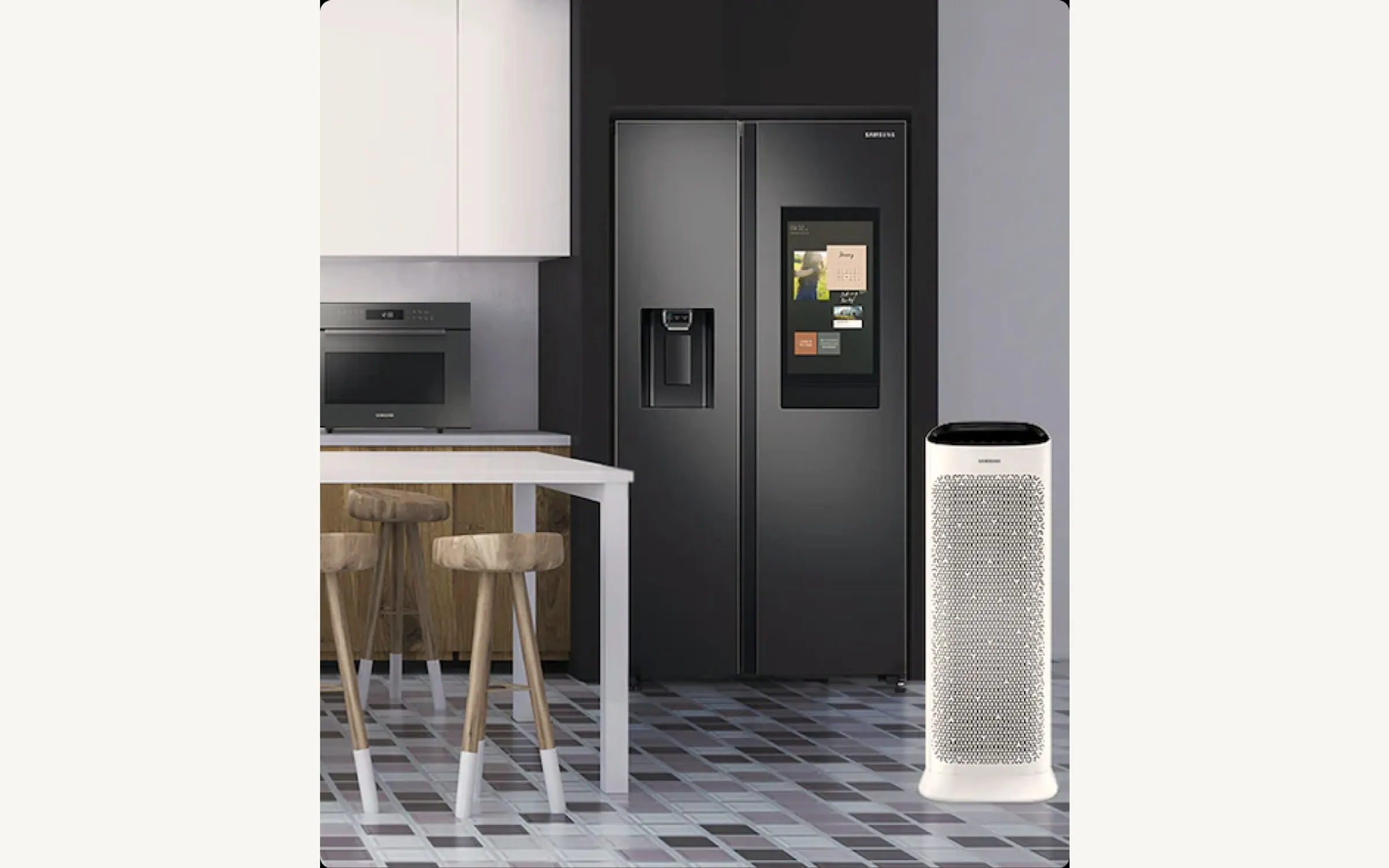
What I Found On This Samsung Service Call
I got the call from a guy in Dana Point with one of the higher-end Samsung Family Hub French-doors — the model with the big 21-inch touchscreen built into the right door panel. He told me two things were happening. One, the touchscreen would freeze on the family calendar app and stop responding to touch until he pulled the breaker for thirty seconds. Two, the fridge had thrown a string of temperature warning codes overnight even though the food felt cold to the touch.
When a Samsung Family Hub starts misbehaving in both the user-interface and the cooling-control domains, the failure points to the main control board, not the Family Hub display board specifically. The way the Family Hub is wired, the big touchscreen is essentially a tablet glued to the front of a fridge, and it talks to a separate main control board on the back of the cabinet that handles the actual temperature regulation, defrost cycle, compressor relay, and so on. When the main board starts dropping communications, the display can hang, the temperature monitoring can throw false errors, and either system can lock up on the other.
How I Narrowed It Down
I started by ruling out the simpler stuff. I pulled the freezer drawer to look at the evaporator coil — clean, no frost buildup, indicating the defrost system was actually running. I checked the door gaskets — tight. I confirmed the condenser was clean and the condenser fan was running. So the mechanical side of the cooling system was healthy.
Then I pulled the temperature sensors. Samsung uses thermistors in both compartments and a separate one on the evaporator. I dropped them in ice water and checked the resistance against the spec sheet. All three were reading in spec. So the sensors weren’t the problem either.
Then I pulled the cover off the main control board on the back of the cabinet and started looking for trouble. On a Samsung Family Hub the main board is fairly large and has a lot of small surface-mount components. I’m looking for discoloration of the substrate around any of the power relays, scorch marks, leaking capacitors, or hairline cracks in the solder around the bigger components. I found a discolored ring around the defrost relay and a separate scorch mark near the inverter drive for the compressor. Either of those is a clear sign the board has thermal damage.
I also checked the firmware status from the Family Hub itself. Samsung Family Hub fridges run firmware that occasionally gets corrupted by power events or by interrupted updates, and sometimes a fresh firmware push can clear odd display behavior. I attempted a firmware refresh from the settings menu. It wouldn’t complete — the display would lock up about halfway through. That was actually useful information, because a board that can’t hold steady long enough to take a firmware update is a board that’s done.
A heads-up on the Samsung Family Hub platform — the user-facing tablet portion can also fail independently, and when it does you get touchscreen issues but the fridge keeps cooling correctly. That’s a different repair (and an expensive one). On this call the cooling-side warnings made it clear the failure was on the main board, not just the front panel.
The Fix and What It Took
I had a compatible main control board on the truck for this generation of Family Hub. The swap is roughly an hour and a half because Samsung uses more harnesses than most brands and you need to be methodical labeling them before disconnecting. I pulled the old board, transferred the configuration dip-switch settings to match, dropped the new board in, reconnected harnesses, and powered up.
The display came back up clean. I ran a diagnostic from the Family Hub service menu and it returned no fault codes. I let it run for about an hour while I cleaned up — touchscreen stayed responsive the whole time, no hangs, no errors, fridge temperature held steady at 38°F. Customer was happy.
Customer paid the flat repair quote, the diagnostic fee was waived because he went ahead with the work, and the job is covered by our 3-month parts and labor warranty.
A note if you’re trying to figure this out at home. If your Samsung Family Hub is dropping temperature errors AND the screen is hanging, look at the main board first. If only the screen is acting up and the fridge is cooling fine, you may have an isolated Family Hub display issue, which is a different (and pricier) repair.
If you’re in Dana Point or anywhere in Orange County and your Samsung refrigerator is throwing temperature errors or the Family Hub screen is locking up, give us a call. We’re an independent shop with specialists who work on Samsung Family Hub units regularly. Same- or next-day service in most of OC. $65 diagnostic, waived with repair.